


Motorcycle Helmet Camera, Here is how i do it!
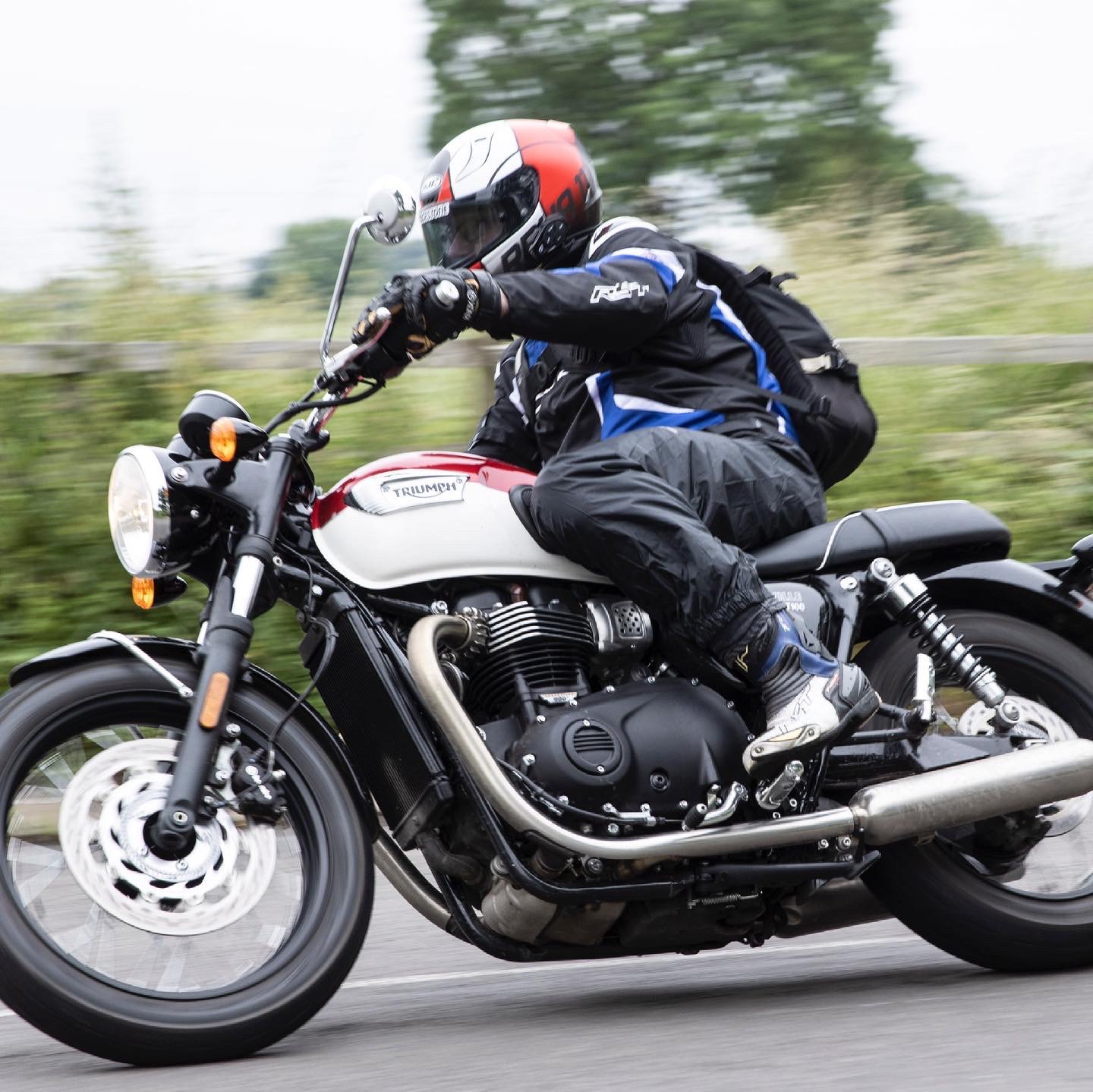

So I’ve been asked many times how i set up my helmet cam with video and audio, so here i run you through my ultimate Helmet Camera Set Up!.
Ok so to get started i use the DJI Osmo Action Camera and while i have not always used, i find it the best all round camera for what i need it for. I have used in the past Drift Innovation cameras which mount on the side of the helmet, and one thing is you tend to see in the image the side of your helmet. Other cameras i have tried have been GoPro but found them to be a bit unreliable and sometimes the sd card footage is corrupt or the camera freezes and i have to remove the battery to unfreeze and then i lose the footage. So its DJI Osmo Action for me and not had any issues ever in the last 2 years, also the buttons are one press record and easily accessible with gloves on.
Battery can last up to 90 minutes and i generally use one battery per video but they are not expensive so i carry 3 normally.
Ok so here is what you will need,
DJI Osmo Action
Cynova mic adapter, sold by DJI too
Drift innovation lav mic, Amazon best place to buy
Helmet mount, https://ridetechmoto.com/
Dead Cat for reducing the wind noise effect, Amazon best place to buy
Tape, any hardware store sells i i use to tape any free cable into the top of the helmet behind the liner.
any addition mount accessories to get that perfect camera angle.
BTW i do have a video on this set up so best to watch and hear it is: https://youtu.be/V_tlrtY1xgI
Osmo Action Camera settings i use,
4k 60fps, i use 60fps on a motorcycle as its fast moving to gain clarity in the footage, and i upload 4k as i want to give the audience the best quality video possible.
I us a Freewell ND4 filter all time and set on auto exposure, and this filter screws on to the front of the camera. I find with this set up i get quality footage clear with crisp vivid colour.
In the settings menus i have the wind reduction turned to on
I turn the rock steady stabilisation off as i find it crops the image and i need as wide a field of view as possible. There is an Osmo Action 2 camera coming hopefully by October that I’m hoping has more a wider FOV similar to the current go pro so i can then use rocksteady 2.0
Video Editing,
So having been asked many times re what editing software do i use, well it’s Lumafusion on an IPad Pro and all the editing is done on that software, easy to use and has many features and have found this the perfect option for me even when travelling so i only need my IPAD Pro, portable and easy to carry on a motorcycle. I generally upload the edited videos straight to youtube from that program.


Comments